
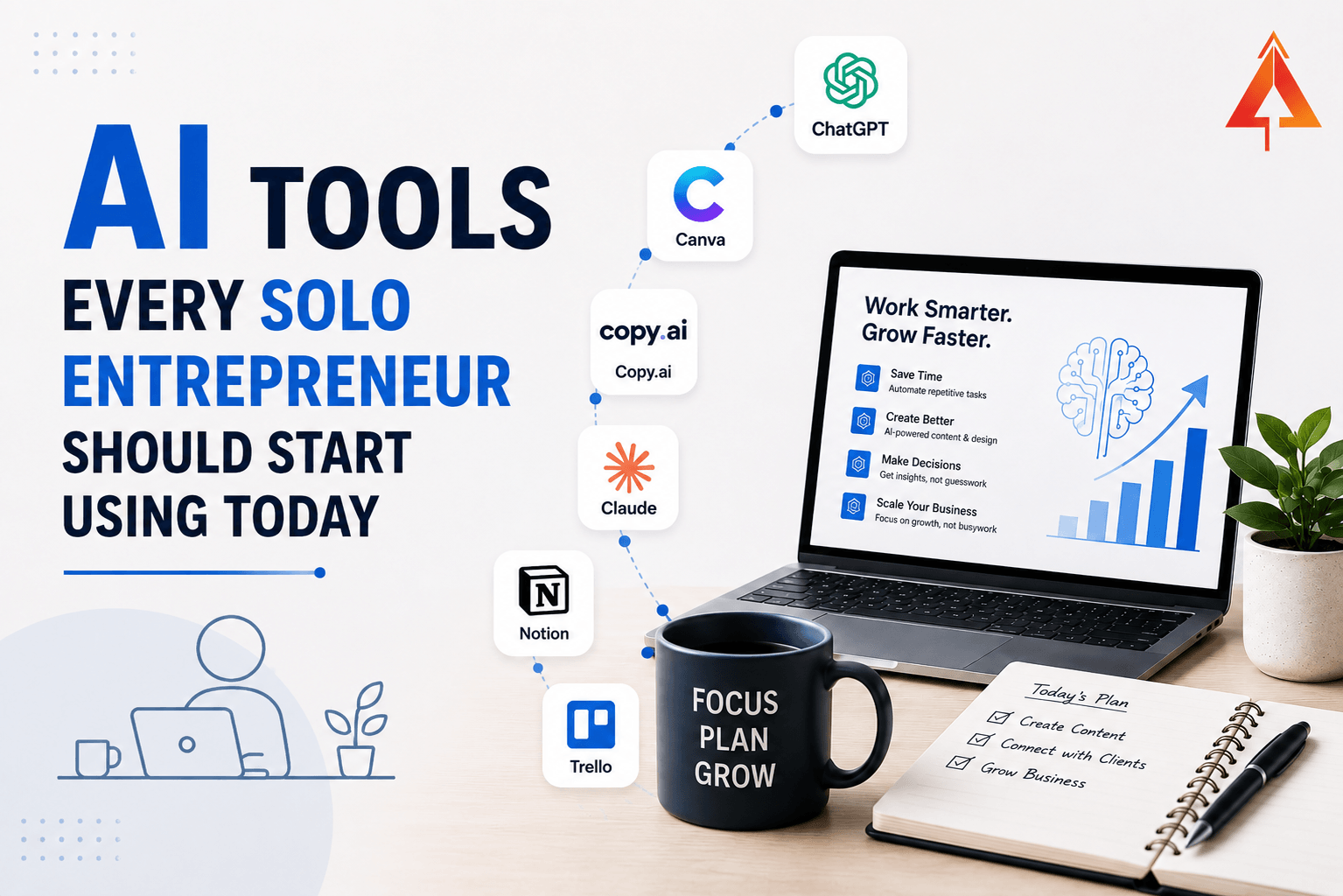
You are already running a five-person company. You just don’t have five salaries to pay for it.
Right now, you’re the strategist, the writer, the researcher, the designer, the bookkeeper, and the person who has to remember what was said on last Tuesday’s client call. A decade ago, doing all of that alone would have meant doing most of it badly, or not at all. Today, a handful of AI tools can genuinely take entire jobs off your plate — not by replacing your judgment, but by removing the manual grind around it.
The problem isn’t a shortage of AI tools. It’s the opposite. There are thousands of them, and most solo entrepreneurs either freeze from the overwhelm or collect six overlapping subscriptions that all do roughly the same thing. Let’s cut through that, with a short list built around actual jobs you need done — not a feature dump.
Two Mistakes to Avoid Before the List
First: more tools is not the goal. Most solo operators need somewhere between four and six tools, total, covering distinct jobs. Every additional overlapping subscription is more cost, more logins, and more time lost switching between platforms instead of working.
Second, and more important: never publish AI output without editing it. AI is genuinely excellent at producing a rough first draft — of an email, a post, a plan — but a first draft is not a finished product. Your voice, your judgment, and your specific knowledge of your customer are the 30% that turns a generic draft into something worth publishing under your name. Skip that step, and your content starts sounding exactly like everyone else’s, because it’s coming from the same tool.
With that out of the way, here’s what actually earns a place in a solo entrepreneur’s stack.
A Thinking and Writing Partner
This is the one tool worth paying for before any other. A general-purpose AI assistant — ChatGPT or Claude are the two most capable options right now — functions as a strategist you can talk through decisions with, a first-draft writer for emails and content, and a researcher for quick questions, all at once.
The real value isn’t “write me a blog post.” It’s using the tool as a thinking partner: describing a problem in messy detail and asking it to help you structure your thinking, spot what you’re missing, or stress-test a decision before you commit to it. Treat it like a sharp, fast colleague you’re allowed to think out loud with — not a vending machine for finished content.
Most solo founders default to only asking for finished outputs — “write me an email,” “give me five headline ideas” — and never use the tool for the harder, more valuable conversation: “here’s my situation, here’s what I’m considering, what am I not seeing?” That second use is where the real time savings and better decisions actually come from.
Best for: Strategy conversations, first drafts, structuring your thinking, quick research questions.
A Research Assistant With Real Sources
General AI assistants are strong at reasoning, but weaker at up-to-the-minute facts unless they’re explicitly searching the web. For anything requiring current information — competitor research, market sizing, “what’s actually happening in my industry right now” — a search-native AI tool like Perplexity is built specifically for that job, returning a synthesized answer with linked sources you can actually verify.
This matters more than it sounds. A confident-sounding answer with no source is a guess wearing a suit. A tool that shows its sources lets you check the claim before you repeat it to a client or put it in a pitch deck.
Best for: Competitive research, market data, fact-checking, anything where the answer needs to be current and verifiable.
A Design Team of One
You don’t need a designer on the payroll to produce professional-looking social posts, presentations, or marketing graphics anymore. Tools like Canva now bake AI directly into the design process — generating layout options, resizing a design across ten platforms at once, removing backgrounds, and drafting on-brand visuals from a short text description.
The job this replaces isn’t creativity — it’s the hours you’d otherwise spend fighting with design software to make something look merely acceptable. Set up your brand colours, fonts, and logo once, and every design after that starts from something already on-brand.
Best for: Social media graphics, presentations, marketing materials, anything visual that used to require a freelancer or hours of fiddling.
Your Automation Layer
Every solo business has a handful of repetitive, multi-step tasks that eat time without needing a human brain: a new lead fills out a form, and someone needs to add them to a spreadsheet, send a welcome email, and create a follow-up reminder. A tool like Zapier connects thousands of apps together and runs sequences like that automatically, the moment the trigger happens — no coding required.
Start with a single high-friction workflow you do manually and repeatedly, automate that one thing completely, and only then move to the next. Trying to automate everything at once usually means finishing nothing. A useful test: for one week, keep a note every time you do something repetitive and mechanical between two apps — that’s your first automation candidate, already identified by your own behaviour rather than guessed at in advance.
Best for: Connecting your existing tools so information moves between them without you manually copying and pasting.
A Notetaker Who Never Misses a Detail
Every solo founder has lost a useful detail from a client call because they were too busy actually talking to also take good notes. AI meeting assistants now join calls automatically, transcribe them, and generate a clean summary with action items and decisions — so you can be fully present in the conversation instead of splitting attention with a notepad.
The compounding value here is a searchable record. Six months from now, when a client says “as we discussed,” you can actually check what was discussed, instead of relying on memory.
Best for: Client calls, sales conversations, and any meeting where details matter later.
A Bookkeeper Who Never Falls Behind
If there’s one job worth automating purely for peace of mind, it’s this one. AI-assisted bookkeeping tools like QuickBooks now categorize transactions, flag anomalies, and keep your books current automatically, instead of you facing a shoebox of receipts every quarter.
This connects directly to one of the most common ways solo businesses get into trouble: not knowing their real numbers until it’s too late. A bookkeeping tool that stays current all year means you always know where you stand, instead of finding out at tax time.
Best for: Categorizing expenses, tracking cash flow, and keeping your books current without a part-time bookkeeper.
The Skimmable Summary
- You need four to six tools, not twenty. More overlapping subscriptions means more cost and more time lost switching platforms.
- Never publish AI output unedited. Your voice and judgment are the part that makes it genuinely yours.
- A general AI assistant (ChatGPT or Claude) is the highest-value single tool — treat it as a thinking partner, not just a content generator.
- Use a search-native tool like Perplexity for anything requiring current, verifiable facts — not a general assistant’s best guess.
- AI-powered design tools like Canva remove the hours of manual design work, not the creative decisions.
- Automation tools like Zapier should start with one workflow, fully automated, before you move to the next.
- AI meeting assistants create a searchable record of every client conversation, so nothing important gets lost to memory.
- AI bookkeeping keeps your numbers current all year, directly preventing one of the most common financial mistakes small businesses make.
Your Next Step
Don’t try to set up all six of these this week. Pick the one job that’s currently costing you the most time or the most stress — the endless design fiddling, the lost meeting details, the bookkeeping you keep avoiding — and set up exactly one tool for exactly that job, today.
Give yourself thirty minutes to sign up, connect it to one real task, and use it once before the day ends. Momentum, not a perfect stack, is what actually changes how you work. Once that one tool is genuinely part of your routine — not just installed, but actually used without you having to remind yourself — come back for the next one, and add it the same deliberate way.
You already have a five-person company running through you. It’s time your tools started carrying their share of the weight.

EntrepreneursLeague is an initiative to support startups and leading entrepreneurs with more visibility, resources, and community for growth and networking.